
Company settings
Configure service categories, tags, property labels, templates, and inspection priorities, all to match how your company runs.
Inside SiteDNA
SiteDNA gives landscape account managers one place to inspect properties, capture issues, plan improvements, and turn site walks into clear reports for customers and crews.
The property model
Most inspection tools make you start an audit, name it, and drop your photos inside it. When the audit is done, it's a file.
Maintenance doesn't work like that. If the board had no budget for the dead tree this year, the dead tree is still there next year. So in SiteDNA every issue lives on the property until somebody closes it. Reports are built from those issues, whichever ones you pick, whenever you need one.
Close the four that got fixed. The other sixteen stay open, and they're already on next spring's report.
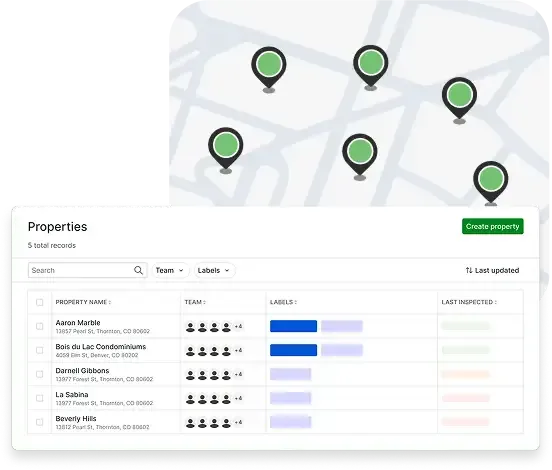
Properties
Each property has a detailed account of what's going on. The quality issues to fix, the enhancements to sell, and the reports you've sent. It's easy to find what you need, when you need it.
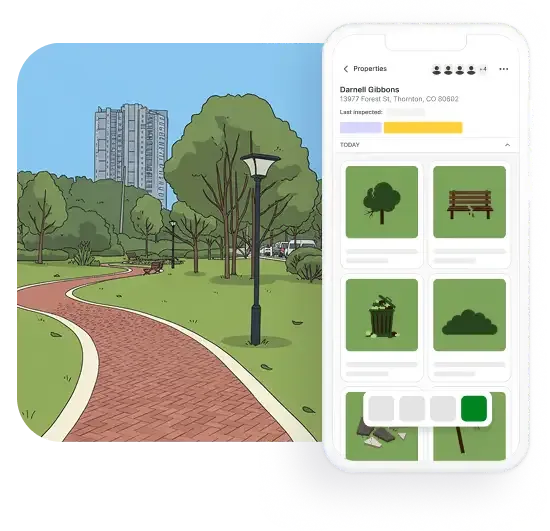
Issue capture
Snap a photo and drop a pin the moment you spot a quality issue or an enhancement opportunity. Add categories and tags, right there in the field. Everything syncs automatically back to the property and is easy to share with your crews and customers.
Snap the photo and hit save. That's it. Add the title, category, price, notes, and annotations later from the truck, or from your computer that evening. Nothing forces you to finish an issue where you found it.
Not everything is one spot on the map. When most of the trees on a condo complex need pruning, that's one issue, "Prune the trees on the property", with eight photos showing what you mean. Not a hundred pins.
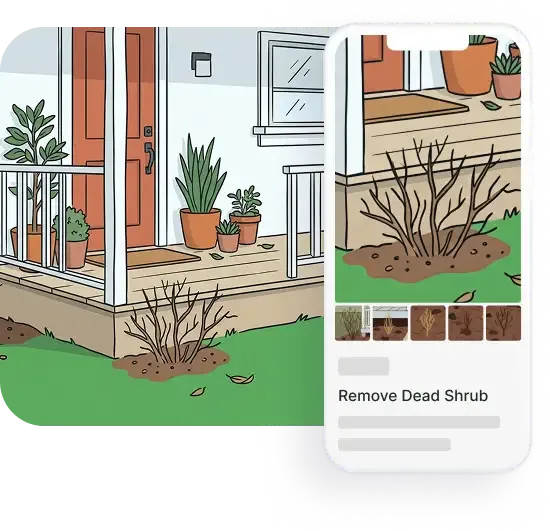
Issue management
Filter by property, status, assignee, category, priority, or date. Move issues through your workflow as your team works them, from open to closed. Bulk-update when things change across multiple sites. Stop chasing down crews for status updates.
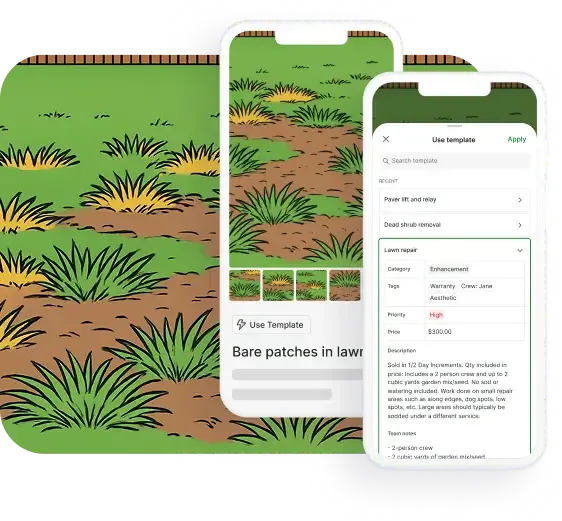
Templates
Capture issues without breaking pace. Snap a photo, apply a template, and you've got a title, category, tags, price, and notes, in one tap. New account managers hit the same standard as their seniors. Quality becomes standardized.
Reports
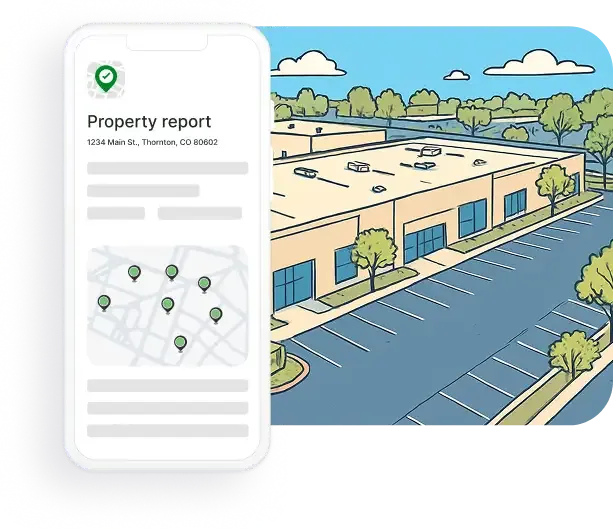
Quality issues and enhancement opportunities show up pinned to a rich satellite map with all of the photos and details already in place. It's a report that writes itself, instead of one you assemble from scratch.
The next step
How the report reaches them, and what happens when they write back.
Every item on the report is numbered, so the customer replies with the ones they want.
You build the job in your existing system, Aspire, LMN, Service Autopilot, or Jobber.
Drop the report link, or the link to one issue, into that proposal so the photos and the detail travel with it.
The report stays on the property record, so next season you can see what was approved and what was passed over.
Also included
The configuration that lets your team work together without stepping on each other. Set it up once, adjust as you grow.
Configure service categories, tags, property labels, templates, and inspection priorities, all to match how your company runs.
Add account managers, ops managers, crew members, and leaders. Set who can access and edit what.
Self-serve subscription with no sales calls required. Add seats as you grow, download invoices anytime, and cancel whenever you want.
Customer story

A full-service landscape company
A Dallas, Texas landscape company replaces scattered emails, long videos, and overlapping site visits with a single shared report, and watches its crews pick it up on their own.
Read the story
Try it for free for 14 days. No credit card required.